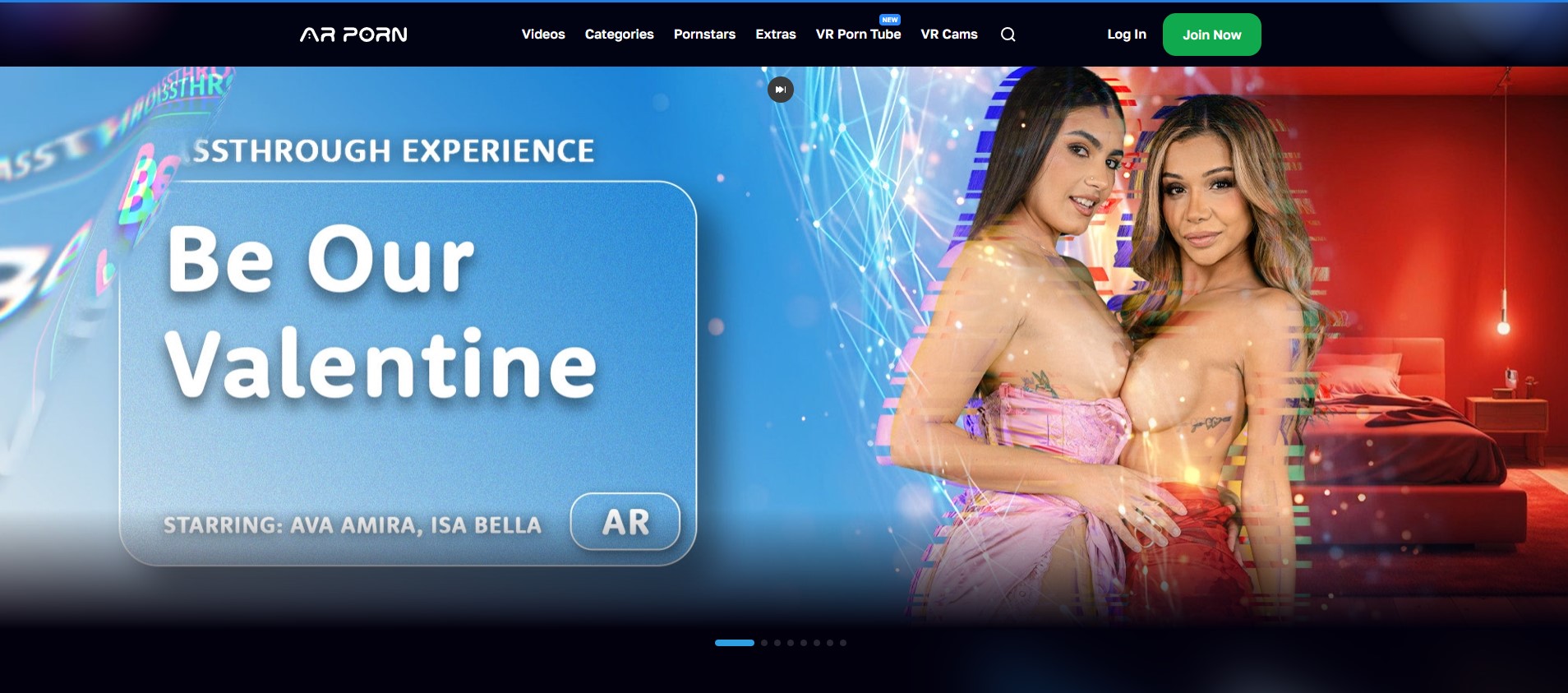
AR Porn
The specialist pick for Quest 3 owners interested in green-screen passthrough scenes and mixed-reality experiences.
- ✓ Passthrough content
- ✓ Quest 3 focused
- ✓ Mixed reality scenes
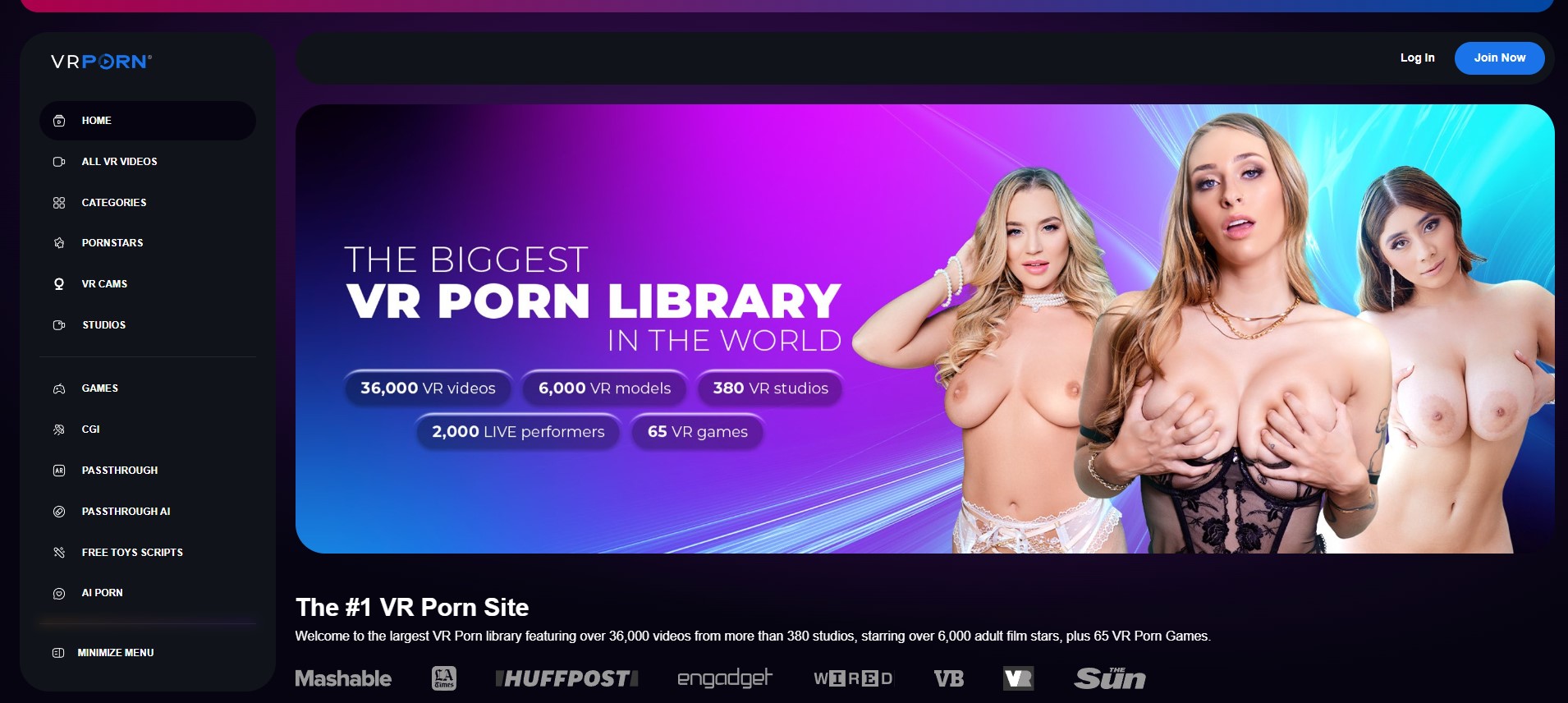
VRPorn.com
A broad discovery hub combining video, CGI, AR and adult VR games, making it the most versatile choice for newcomers.
- ✓ Video, CGI and games
- ✓ Wide headset compatibility
- ✓ Large category range
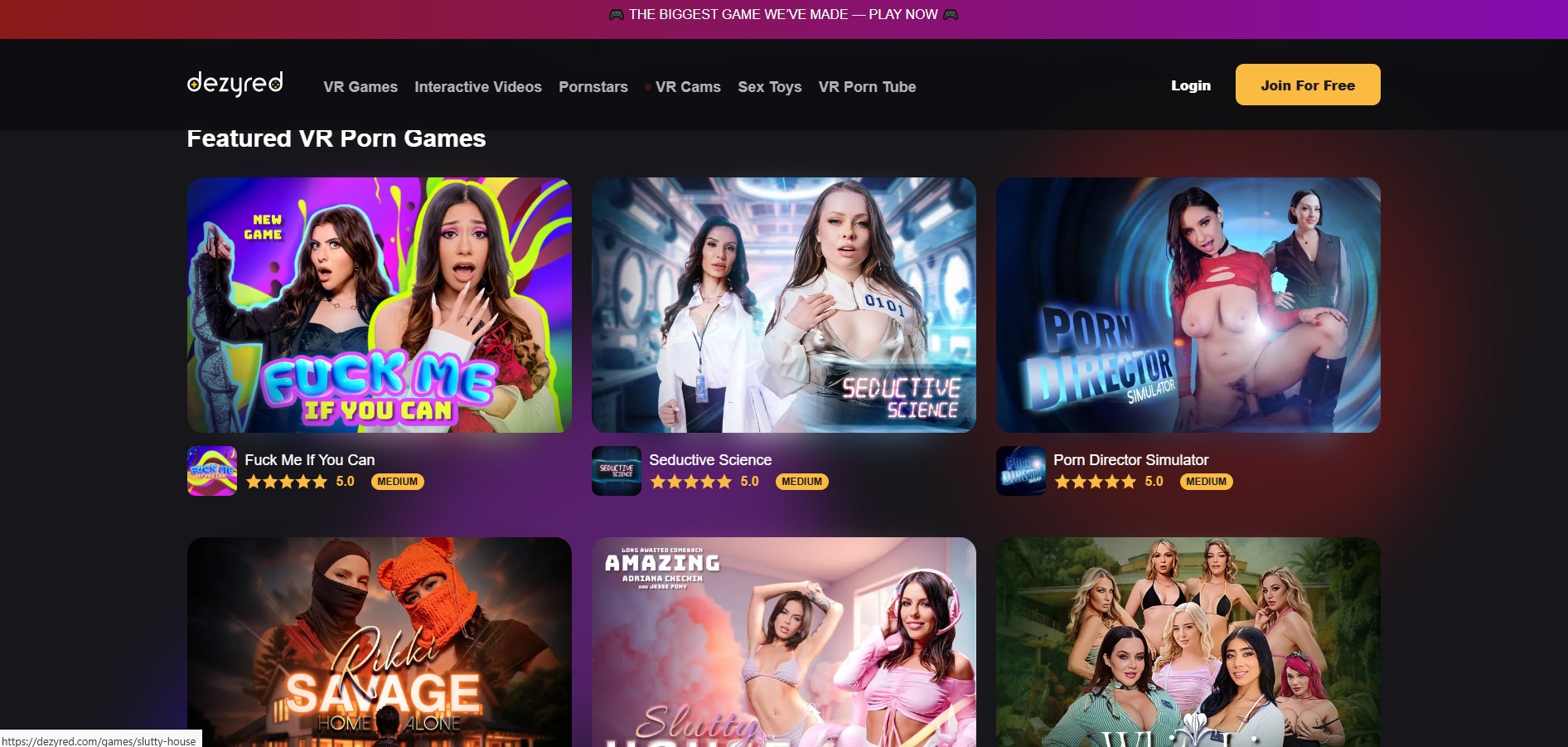
Dezyred
Our preferred option for choice-driven adult VR experiences where interaction and branching scenarios matter more than library size.
- ✓ Interactive narratives
- ✓ Game-like choices
- ✓ Immersive scenarios
What makes good passthrough VR porn content in VR
Good passthrough VR porn works when the adult performer layer looks anchored in the viewer’s actual room instead of floating over it. The best signs are a clean body cutout, steady edges around hair and hands, believable contact with the floor or furniture, and scale that makes the performer look human-sized at a consistent distance.
Useful search terms include passthrough, mixed reality, MR, AR, augmented reality, green screen, alpha channel, room scale, and color passthrough. For sub-genres, look for simple staging tags such as solo tease, striptease, lap dance, POV oral, cowgirl, standing, kneeling, and interactive. These tend to make placement easier to read than scenes with fast movement, crowded sets, or constant body repositioning.
- Clean cutouts: the performer should not have fuzzy halos, missing limbs, flickering outlines, or transparent edges that break the illusion against real furniture and walls.
- Stable floor contact: feet, knees, or seated poses should stay locked to one point instead of sliding when the viewer turns their head.
- Believable scale: a scene feels better when the performer is neither doll-sized nor oversized, and when distance changes look intentional.
- Lighting match: content with neutral, even lighting usually blends better with real rooms than harsh studio lighting that makes the performer look pasted on.
- Readable motion: slower poses, direct-to-viewer staging, and limited walking help the brain accept the mixed-reality placement.
If passthrough quality is the main reason for subscribing, compare it with broader VR options in our main ranking of VR porn sites, then judge individual scenes by alignment, edge quality, and whether the performer stays convincingly grounded in your room.
Formats and camera perspective that matter for passthrough VR porn
Passthrough VR porn should be labeled by how the adult layer relates to the room you can see through the headset. Search terms such as passthrough, mixed reality, MR, AR, performer in room, room scale, and spatial video are more useful than broad tags like “VR” or “POV.” A normal VR scene shot in a bedroom set is not the same thing as a scene composited into your real space.
- Performer-in-room scenes: these are the clearest passthrough format: a solo performer, couple scene, striptease, lap-dance, or cam-style setup is placed over the viewer’s floor, bed, chair, or open room area. Good scenes make scale, foot placement, and body position look stable instead of floating or sliding when you move your head.
- POV framing: POV oral, cowgirl, seated lap-dance, and face-to-face tease formats put the camera very close to the action, so eye line, body height, and distance matter more. If the performer is too large, too low, or angled away from the viewer, passthrough can feel less convincing than standard VR.
- Interactive format: choice-driven adult scenes can suit passthrough when the viewer wants to pick a branch, pose, or next action. Look for tags such as interactive, choose your path, branching, or game mode, but check whether the interaction is actually mixed-reality compatible.
- CGI or game formats: animated companions, CGI solo scenes, adult VR games, and avatar-based content can be easier to align with a room because the subject is rendered rather than filmed. Still, “CGI” does not automatically mean passthrough; look for MR, AR, room-scale, or color-passthrough notes.
For close scenes, leave enough visible floor or furniture for depth cues, and avoid formats that crop the body so tightly that room placement becomes unclear. If you are setting up a color-passthrough headset, this passthrough VR viewing setup guide can help with the basics before comparing formats.
How to find passthrough VR porn scenes on the ranked platforms
Use each platform’s own search, categories, tags, and studio pages to confirm that a title is really made for passthrough or augmented reality. Good search terms include passthrough, pass-through, mixed reality, MR, AR, augmented reality, room scale, in your room, and color passthrough. For scene style, combine those with terms such as POV, solo, striptease, dance, girlfriend, standing, close-up, or interactive. If a listing only says “VR,” check this guide to VR porn formats before treating it as mixed reality.
- AR Porn: start with passthrough and augmented-reality wording. The useful signs are descriptions that say the performer is meant to appear inside the viewer’s own room on a color-passthrough headset, not just a normal 180-degree or 360-degree VR video. Try searches for “AR,” “mixed reality,” “passthrough,” and “in your room,” then read the title page for room-placement language.
- VRPorn.com: use category and tag browsing to narrow its multi-studio VR catalog. Search first for “passthrough,” “AR,” “MR,” and “mixed reality,” then compare results with live-action VR tags, CGI or animated tags, and adult VR game listings. Because the hub includes material from many studios and also supports browser streaming, check the studio page and scene description to see whether “AR” means true passthrough placement or just a general VR label.
- Dezyred: look through its interactive live-action VR titles for choice-driven scenes where the viewer selects what happens next. Search “interactive” together with “passthrough,” “mixed reality,” “AR,” or “MR.” Do not assume an interactive title is passthrough; confirm that the description mentions mixed-reality viewing, room placement, or color-passthrough headset use.
Headset and playback setup tips for passthrough VR porn
Passthrough VR porn depends on the headset cameras as much as the video file. Scenes tagged passthrough, AR, MR, green screen, roomscale, POV, lap dance, striptease, or solo performer are easiest to judge when the real room is bright, uncluttered, and stable.
- Use a color-passthrough headset when possible: black-and-white passthrough can still work, but color cameras make skin edges, furniture, shadows, and floor contact easier to read in mixed reality.
- Clear the play area before playback: move cables, shoes, low tables, pet toys, and glassware. A seated setup is often better for POV oral, lap dance, massage, and close-up scenes, while standing performer clips need more space in front of the viewer.
- Light the room evenly: use steady overhead or side lighting. Very dark rooms, strong backlight from a window, mirrors, reflective TV screens, and flashing LEDs can make the passthrough image noisy or cause the performer cutout to look less stable.
- Recenter before the scene starts: if the performer appears too high, too low, behind furniture, or offset to one side, use the headset’s recenter, floor-height, or boundary tools. Do this again after switching from seated to standing viewing.
- Choose stable playback over convenience: buffering, sudden quality drops, or weak Wi-Fi can make edges, depth, and alignment harder to judge. For more on how bitrate, compression, and sharpness affect VR video, see this VR resolution and quality guide.
- Clean the hardware: wipe headset lenses and external passthrough cameras with a proper microfiber cloth. Smudged cameras can make the real-room view look cloudy even when the video itself is fine.
What to check before paying for a passthrough VR porn site
Before paying, verify that the membership actually includes passthrough or mixed-reality porn, not only standard VR scenes. Useful labels to look for include passthrough, AR, mixed reality, MR, performer in your room, green screen, alpha background, and room scale. Scene titles and tags should make the format clear before checkout, especially if you are paying specifically for the effect of an adult performer appearing inside your own room.
- Scene type: check whether the site separates passthrough scenes from regular live-action VR, CGI, animated clips, adult VR games, or interactive choice-based scenes. Search terms such as “AR striptease,” “MR lap dance,” “passthrough POV,” “green screen solo,” “toy POV,” “standing POV,” and “room-scale tease” can help confirm the niche.
- Device notes: look for wording about color passthrough support, since black-and-white passthrough can make mixed-reality scenes feel less natural. Also check whether the scene expects seated viewing, standing viewing, or floor-level alignment.
- Format clarity: confirm whether you are getting VR180, 360, flat video, or a true passthrough layer. If the labels are confusing, compare the terms with this VR180 vs 360 porn format guide before subscribing.
- Playback access: check whether scenes stream in a headset browser, require downloads, use a separate player, or need an app. Passthrough files may need different handling from normal VR videos.
- Billing and cancellation: read renewal timing, trial language, refund rules, and cancellation steps before entering payment details.
- Safety boundaries: pay only for content presented as consensual adult material with clear performer rights and avoid pages suggesting exploitation, coercion, intoxication, impersonation, or age-ambiguous content.
Privacy when watching passthrough VR porn
Passthrough VR porn can expose more than a standard VR video because the adult scene is layered over your actual room. Treat the headset camera view, account activity, browser history, payment trail, and shared living space as separate privacy risks.
- Use a private room: lock the door if possible, close blinds, and avoid rooms where a housemate, partner, cleaner, or guest may walk in. Mixed-reality scenes such as solo POV, striptease, lap dance, and “in your room” AR clips can keep your real furniture visible during playback.
- Remove identifying details from view: before opening a passthrough scene, move mail, work badges, prescription bottles, photos, whiteboards, and reflective items out of the headset’s camera view. If screenshots, screen recording, or support logs are ever created, the room can be captured along with the adult overlay.
- Lock the headset profile: use a headset PIN, app lock, or separate user profile where available. Disable shared notifications that could appear while browsing tags like “passthrough,” “mixed reality,” “MR,” “AR,” “room-scale,” “POV,” or “interactive.”
- Manage browsing traces: use a separate browser profile for adult VR, avoid saving adult-site passwords on shared devices, and clear history or search suggestions if other people use the same headset, phone, tablet, or computer.
- Check casting and recording first: confirm the headset is not casting to a TV, phone, computer, or smart display. Also check any quick-record, livestream, or cloud-sync setting before playback.
- Use careful payment habits: read the billing descriptor before paying, avoid shared cards or shared email inboxes if discretion matters, and turn off receipt previews on lock screens.
Frequently asked questions
What is passthrough VR porn?
Passthrough VR porn is adult mixed-reality content that keeps the viewer’s real room visible through a headset while placing adult visual elements into that space. It depends on headset passthrough quality, room lighting, and stable depth placement.
Do I need a color passthrough headset for this niche?
Color passthrough is strongly preferable because the room, floor, and furniture are easier to read. A headset with weak or blurry passthrough may still show the room, but the mixed-reality effect can look less convincing.
How do I search for passthrough VR porn without mixing it up with normal VR?
Search for terms such as passthrough, mixed reality, augmented reality, AR, and performer in your room. Then read the scene description or category labels to confirm it is not just a standard VR video filmed in a room setting.
Why does a passthrough scene look misaligned in my room?
Misalignment can come from poor lighting, an unclear floor boundary, headset tracking issues, or a scene that does not scale well to the room. Recenter the headset, improve lighting, clean the cameras, and check whether the scene has setup notes.
Is passthrough VR porn the same as interactive VR porn?
No. Passthrough describes how the scene is visually placed into the viewer’s real room, while interactive VR describes choice-driven playback where the viewer selects what happens next. A title can be one, both, or neither, so check the scene page before paying.
Prices, catalogs and feature availability can change. Check current terms on the provider’s site. External offer buttons are sponsored affiliate links.